Abandoned cart
Abandoned cart email examples: a hold that ends on the shopper's own date
A leather goods brand's cart reminder. The bag is held for the shopper until a date stored with their cart, and the timer counts down to that date: a different deadline for everyone, from one timer.
Free plan · 20,000 views a month · No card
The email
As your readers will see it
Switch to mobile to see how it reflows on a phone, where most of your readers will open it.
Atelier Nova
We're holding your bag for you
Atelier Nova <studio@ateliernova.com>
to me
Today
ATELIER NOVA
We're holding your bag for you.
It's set aside in your name, with 10% off, until the timer below runs out.
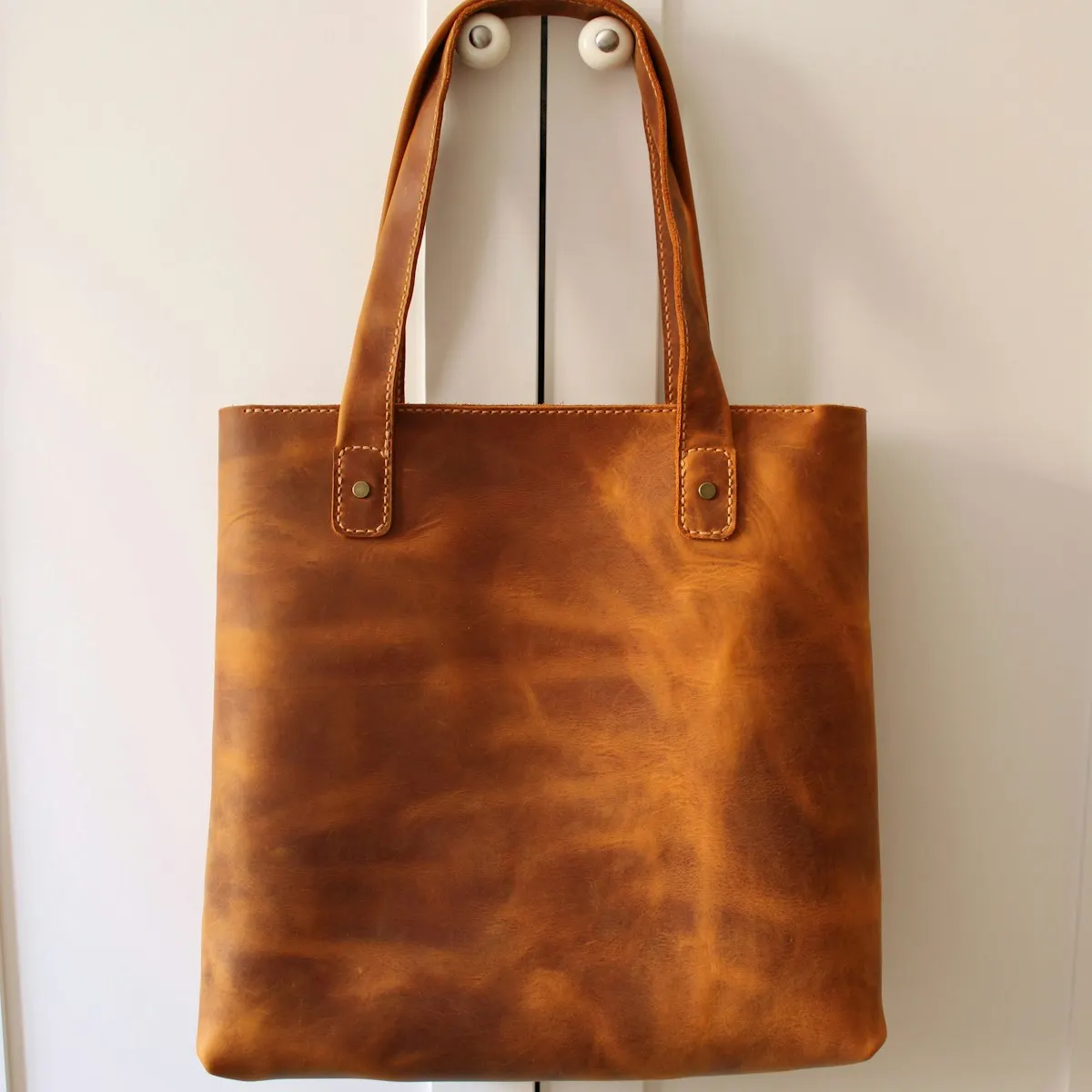
In your cart
The Marlow tote
Cognac, vegetable-tanned leather
- Price
- $340
- Your 10%
- −$34
- Total
- $306
Your hold ends in
 Return to your cart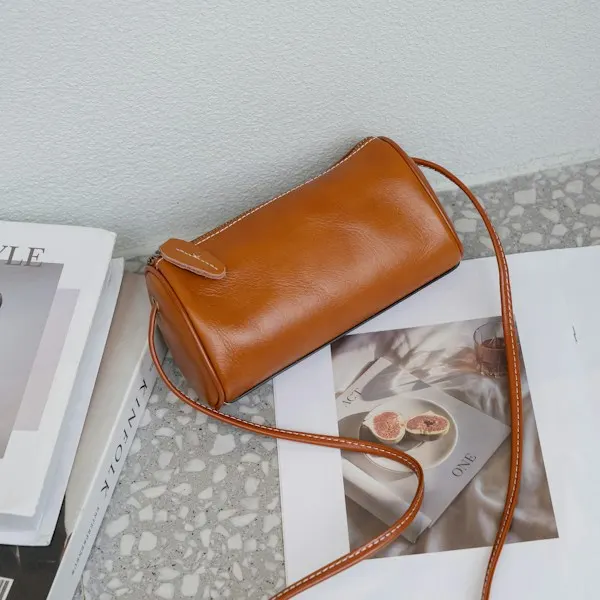
You might also like
The Rue crossbody
$220

Every piece is cut and stitched by hand in our Florence studio.
Atelier Nova
Vicolo dei Pellai 12, Florence, Italy
You're getting this because you started an order at ateliernova.com.
UnsubscribeEmail preferencesView in browser
Brands, people and addresses in these examples are fictional. The timers are real, rendered by flashtimer.
Why it works
What makes this email work
- It's a favour, not a chase. 'We're holding your bag' reads like good service. The discount is a bonus, not the opener.
- The cart is shown, not described. A photograph, the color, the price and the saving, laid out like a receipt.
- The deadline is theirs. The countdown runs to the end of this shopper's hold, so it's always true, whenever they open it.
- Quiet design for a considered buy. Beige, black and a lot of air suit a product people think about before they buy.
Subject lines
Other subject lines to try
Test two against each other. The timer stays the same, so you learn what the words do.
Atelier Nova
We're holding your bag for you
Atelier Nova
Still thinking about the Marlow tote?
Atelier Nova
Your cart, set aside, with 10% off
Atelier Nova
Your hold ends tomorrow
Build it
Build it in flashtimer
1Choose a dynamic timer
In Timing, pick Evergreen, then under Countdown choose Ends on their date.
2Name your date field
In Embed, type the name of the field that holds each cart's hold date. flashtimer writes your platform's merge tag into the URL as
?end=.3Keep the styling quiet
Minimal in near-black on beige, with soft dividers, so the timer reads like part of the receipt.
4Add it to the cart flow
Place the timer under the cart summary in each email of the abandoned cart flow.
Questions
Answered before you ask.
More examples
See all examples

Keep reading
- Abandoned cart emailsThe abandoned cart email countdown timer that starts when each shopper opensGive every shopper their own abandoned cart email countdown timer that starts on first open. Works in Klaviyo, Shopify and any ESP. Start free today.
- Dynamic timersPersonalized countdown timer email: every reader counts to their own dateSend a personalized countdown timer email where each reader counts down to their own date: trial end, renewal or appointment, from a merge field. Try it free.