Welcome email
Welcome email examples: a first-order offer with a personal timer
A bakery's welcome email with a 15% first-order code. The countdown is evergreen: each subscriber's 48 hours start when they first open it, so the offer is as fresh on day forty of the flow as on day one.
Free plan · 20,000 views a month · No card
The email
As your readers will see it
Switch to mobile to see how it reflows on a phone, where most of your readers will open it.
Oat & Ember Bakery
Welcome to the table (and 15% off your first loaf)
Oat & Ember Bakery <hello@oatandember.com>
to me
Today
oat & ember
Baked every night, delivered every morning
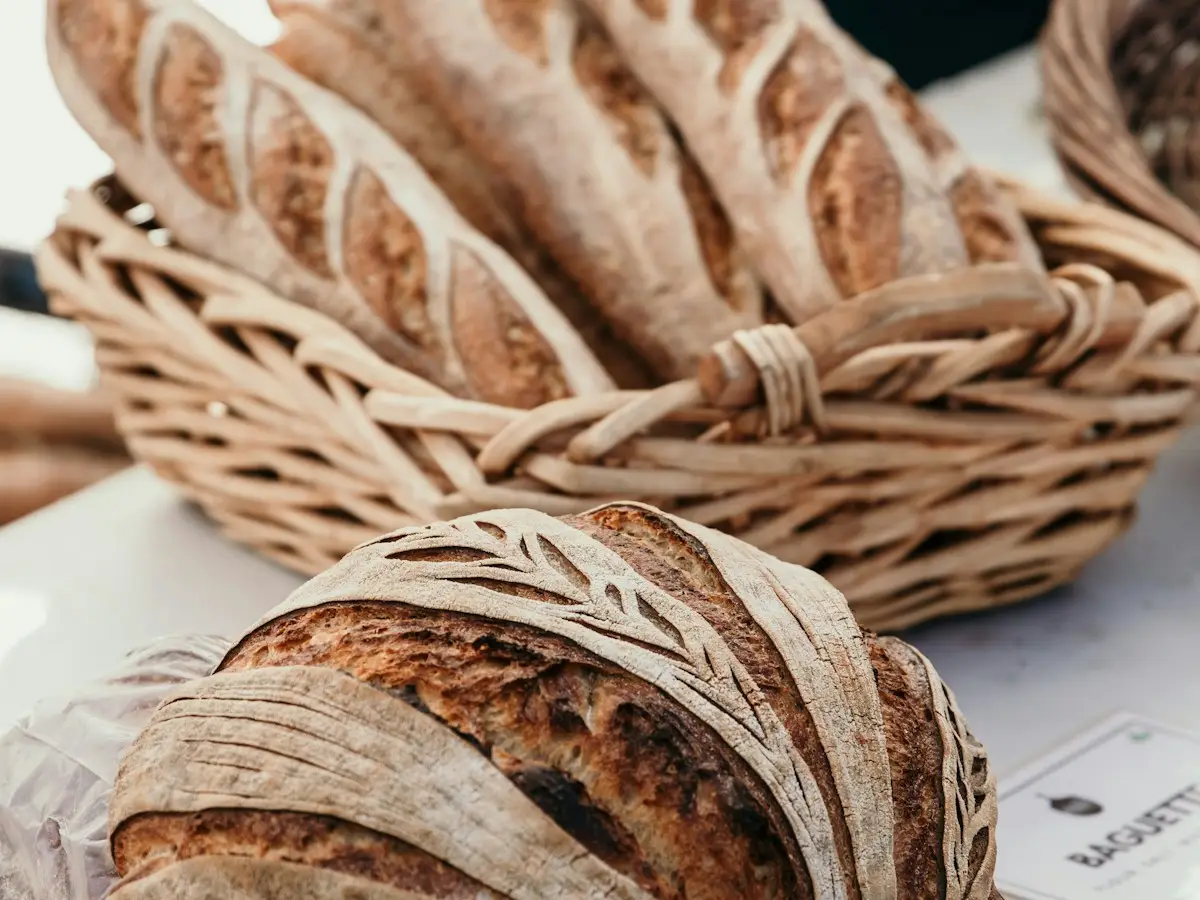
Welcome to the table.
We're Oat & Ember: two bakers, one wood-fired oven and a lot of flour on the floor. To say hello, here's 15% off your first order.
Your welcome code
HELLO15
15% off your first order

Your 48 hours started when you opened this email.
Tonight's bake
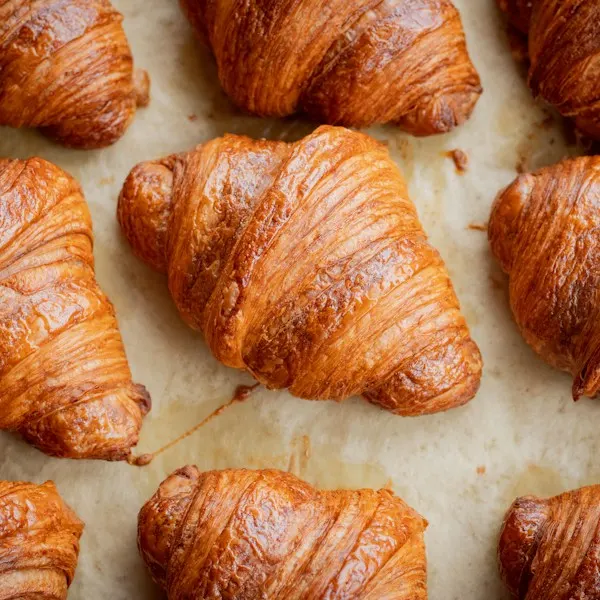
Butter croissants, 4
$14

Breakfast box
$28
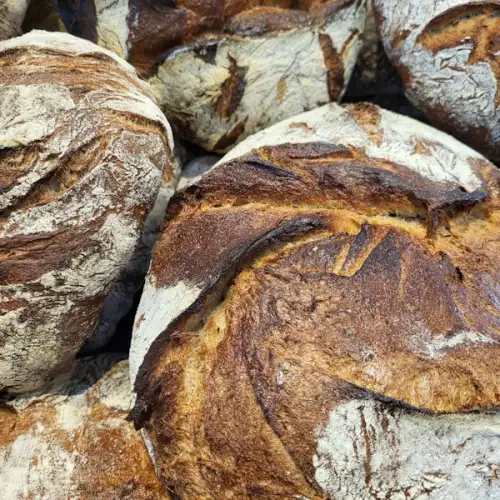
Country sourdough
$9
Oat & Ember Bakery
41 Rye Close, Edinburgh, United Kingdom
You're getting this because you just joined our list. Welcome.
UnsubscribeEmail preferencesView in browser
Brands, people and addresses in these examples are fictional. The timers are real, rendered by flashtimer.
Why it works
What makes this email work
- It sounds like a person. A short letter from the bakers says who they are before it asks for anything.
- The offer is personal and fair. Everyone gets the same 48 hours from their own first look, not a deadline that passed before they signed up.
- The code is easy to use. It sits in its own box with the timer under it, so the reader knows what to type and how long they have.
- Bread sells bread. Three photographs of what's on the shelves tonight do more than any adjective.
Subject lines
Other subject lines to try
Test two against each other. The timer stays the same, so you learn what the words do.
Oat & Ember Bakery
Welcome to the table (and 15% off your first loaf)
Oat & Ember Bakery
You're in. Here's 15% off your first order.
Oat & Ember Bakery
A warm welcome, and a warmer loaf
Oat & Ember Bakery
Your welcome code ends soon
Build it
Build it in flashtimer
1Choose evergreen timing
In Timing, choose Evergreen, then Starts on open, and set 48 hours.
2Add your platform's subscriber tag
In Embed, pick your email platform. flashtimer adds its subscriber ID merge tag to the URL, so each person's 48 hours are kept separately.
3Style it like the bakery
The Pill style in a white capsule on butter yellow, with tomato red for the colons.
4Put it in the flow
Add the timer to the first email of your welcome flow. It works for every new subscriber from then on, with no dates to update.
Questions
Answered before you ask.
More examples
See all examples
Keep reading
- Welcome offersWelcome email discount countdown timer: a real deadline for every new subscriberAdd a welcome email discount countdown timer that gives each new subscriber their own 48–72 hour window, starting on first open. Set it up free today.
- Evergreen timersEvergreen countdown timer for email: a personal deadline for every readerGive every reader their own deadline with an evergreen countdown timer email: starts on open or on send, built for flows. Set up in minutes. Start free.