New Year
New Year sale email example with a timer written by AI
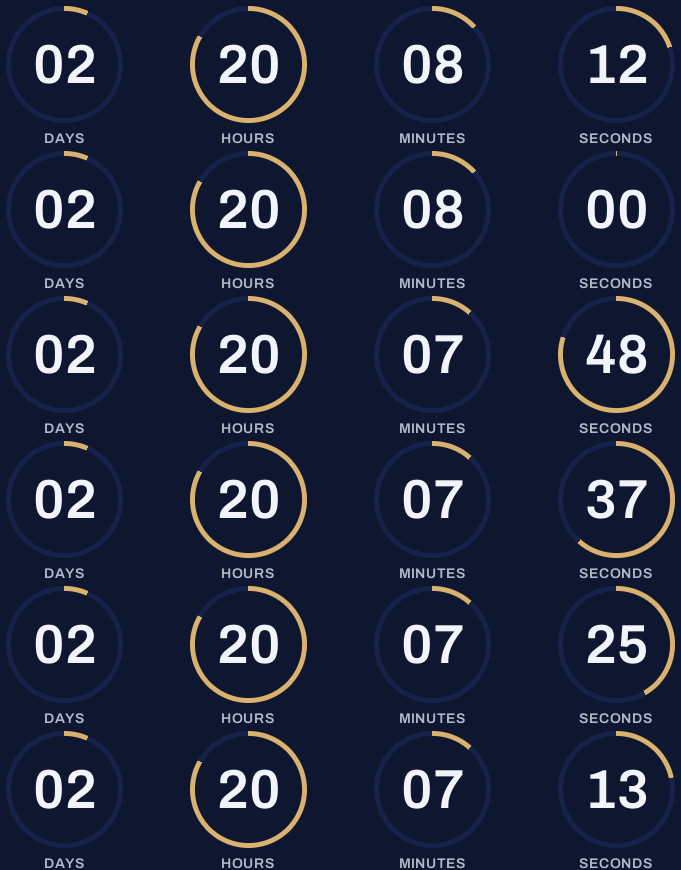
A running brand's first email of the year. The marketer described the sale in one sentence, and flashtimer's AI drafted the timer: the deadline, the ring style and the midnight-and-gold colors.
Free plan · 20,000 views a month · No card
The email
As your readers will see it
Switch to mobile to see how it reflows on a phone, where most of your readers will open it.
Stride Running
New year, new miles: 30% off running gear
Stride Running <team@striderunning.com>
to me
Today

stride
The first sale of the year
New year.
New miles.
30% off running gear, for the first few days of the year.
 Gear up for the new year
Night tights
Brushed inside, reflective trims
$54.60 $78

Thermal half-zip
For mornings below zero
$63 $90

Stride run club
Every Sunday at 8am, from all our shops. Bring a friend, leave with a new one.
Stride Running
88 Pacer Street, Chicago, Illinois
You're getting this because you're a Stride member.
UnsubscribeEmail preferencesView in browser
Brands, people and addresses in these examples are fictional. The timers are real, rendered by flashtimer.
Why it works
What makes this email work
- A feeling before a discount. The snowy night photo says fresh start; the offer arrives once the reader is already in the mood.
- Rings for a running brand. Progress rings echo a training app's activity circles, so the timer feels native to the brand.
- Products for the moment, not the catalog. Two pieces for cold mornings beat twenty bestsellers.
- Something to belong to. The run club invite gives readers a reason to open next week's email too.
Subject lines
Other subject lines to try
Test two against each other. The timer stays the same, so you learn what the words do.
Stride Running
New year, new miles: 30% off running gear
Stride Running
Your first run of the year deserves new tights
Stride Running
30% off, for the first few days of the year
Stride Running
Resolutions start at the door. We'll get you there.
Build it
Build it in flashtimer
1Describe the sale
In the AI box, write one sentence: what the sale is, when it ends and the colors you want.
2Check the draft
The AI fills in the deadline, the style and the colors. Change anything that isn't quite right in the editor.
3Pick Rings and gold
Rings in champagne gold on midnight navy suit a running brand. Each ring empties as its number runs down.
4Send on New Year's Day
Paste the embed code into your email and schedule it for the morning of the first.
Questions
Answered before you ask.
More examples
See all examples

Keep reading
- Create with AIAI countdown timer generator: describe the sale, get the timerDescribe your sale in one sentence and the AI countdown timer generator drafts the timer: deadline, colors, layout and copy. Edit by chat. Start free today.
- Flash salesFlash sale countdown timer email: run a 24–72 hour sale that ends on timeBuild a flash sale countdown timer email for 24–72 hour sales: send schedule, subject lines, last-chance resend and timers that update on open. Start free.