Singles' Day
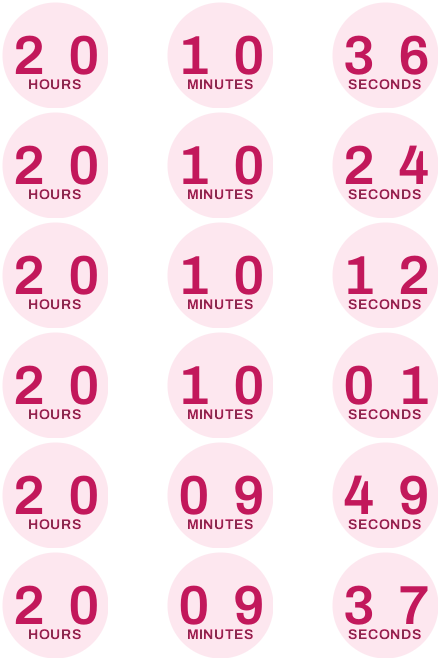
Singles Day email example with a timer in every language
A skincare brand's one-day 11.11 sale. The countdown is set to the reader's language, so the same email works in Paris, Berlin and Chicago without a single translated image.
Free plan · 20,000 views a month · No card
The email
As your readers will see it
Switch to mobile to see how it reflows on a phone, where most of your readers will open it.
Lumi
11.11: the one-day glow sale is on
Lumi <hello@lumiskin.co>
to me
Today
lumi

the one-day glow sale
11.11
40% off every serum
Today only. The clock is already running.
 Shop the 11.11 sale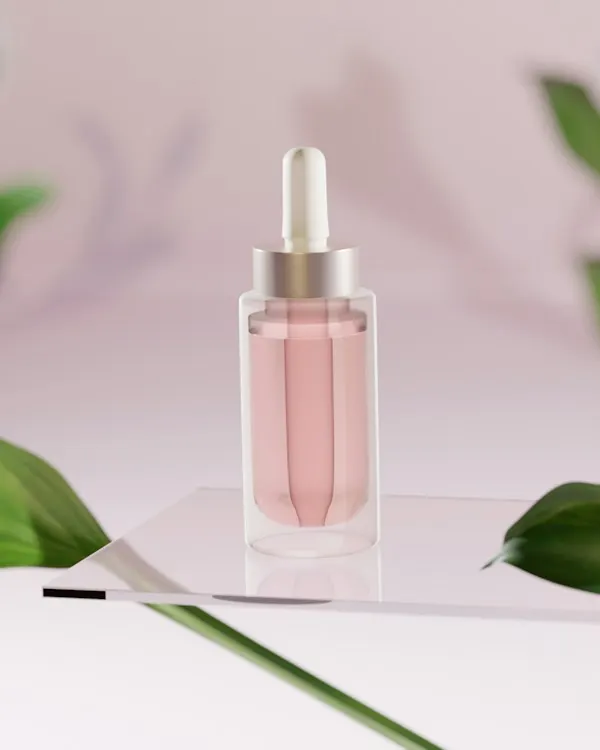
Rose glow serum
$27$45

Dew drops
$22.80$38
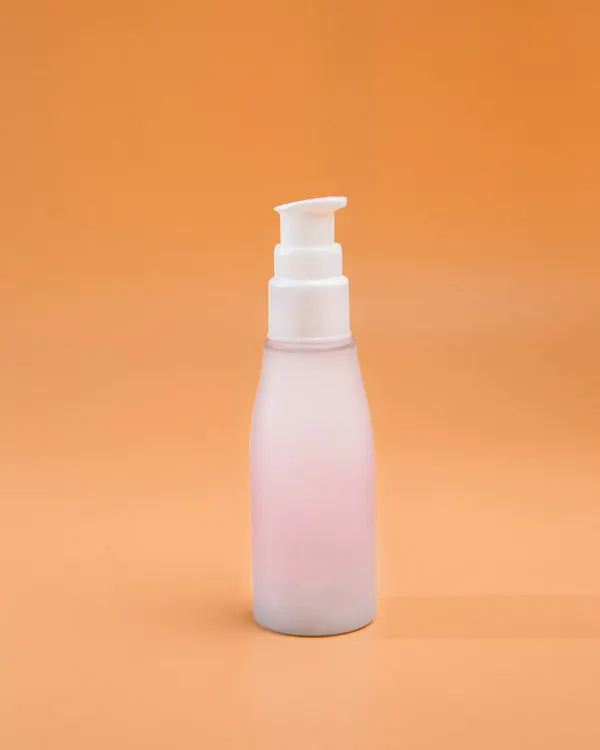
Soft C cleanser
$14.40$24
bonjour, hallo, hola.
Reading this in Paris, Berlin or Madrid? Your countdown is in your language, and so is our free delivery across Europe.

A free mini cleanser
with every order over $40, today only
Lumi Skin
12 Passage des Pivoines, Paris, France
You're getting this because you signed up at lumiskin.co.
UnsubscribeEmail preferencesView in browser
Brands, people and addresses in these examples are fictional. The timers are real, rendered by flashtimer.
Why it works
What makes this email work
- The date is the design. Singles' Day has its own logo already: 11.11. Set huge, it tells the reader what's happening before they read a word.
- A one-day sale needs a clock that's obvious. With no days to count, the timer shows hours, minutes and seconds in round, friendly circles that match the brand.
- One email for every country. The countdown's labels follow the reader's language, so a list spread across Europe gets the same send without a translated image in sight.
- A reason to buy more than one. The free mini over $40 lifts the basket without deepening the discount.
Subject lines
Other subject lines to try
Test two against each other. The timer stays the same, so you learn what the words do.
Lumi
11.11: the one-day glow sale is on
Lumi
40% off every serum, for 24 hours
Lumi
It's 11.11. Your skin deserves a treat.
Lumi
Today only: the biggest Lumi sale of the year
Build it
Build it in flashtimer
1Set the language to automatic
In the editor's Font panel choose Automatic. Then, in Embed, add your platform's language merge tag so each subscriber's language code travels in the image link.
2Hide the days
For a sale that lasts one day, switch the days off so the timer opens on hours, minutes and seconds.
3Use the brand's pinks
Choose the Circles style with berry digits on a soft pink fill, and a white background to sit on the email's white band.
4Send it at midnight
Schedule the email for just after midnight in each region, then resend to non-openers at 6pm. The same timer works in both sends.
Questions
Answered before you ask.
More examples
See all examples

Keep reading
- LanguagesCountdown timer in multiple languages, from one timerShow a countdown timer in multiple languages: 7 label languages, or each reader's own via your email platform's merge tag, with a deadline right in every zone.
- Flash salesFlash sale countdown timer email: run a 24–72 hour sale that ends on timeBuild a flash sale countdown timer email for 24–72 hour sales: send schedule, subject lines, last-chance resend and timers that update on open. Start free.